Straight from design to production
Send the design as a clear technical drawing directly to your supplier — DXF for the CNC, with full edge-grinding and drilling information.
Enter the measurements. Twenty seconds later you have the 3D design, your price and a production-ready DXF for every pane — from shower enclosures to storefronts.
Sign up by November 30, 2026 and use Baka Designer with two modules of your choice for three months on us. Then half price for three more.
Prices in euros, excluding VAT. Modules: shower enclosures, balustrades, storefronts and partition walls.
Draw the glass in 3D, let Baka create the price and the technical drawing automatically — and send it to your supplier in one click.
Send the design as a clear technical drawing directly to your supplier — DXF for the CNC, with full edge-grinding and drilling information.
Real-time price from your 3D design, as a polished PDF to the customer.
Every operation automatically factored into both material and price.
Every change a new revision — compare and restore with one click.
Hardware, 3D, prices and DXFs in one place. Nothing to retype.
Your suppliers, your purchase prices.
Drop in your own drawing, any shape.
Upload it, and the cutout is drawn for you.
Updated live while you design.
They rotate the design and download the PDF.
One per pane, ready for any supplier.
One configurator for your entire range. Scroll through the categories and see each product in 3D.
Walk-in, corner-entry & alcove shower
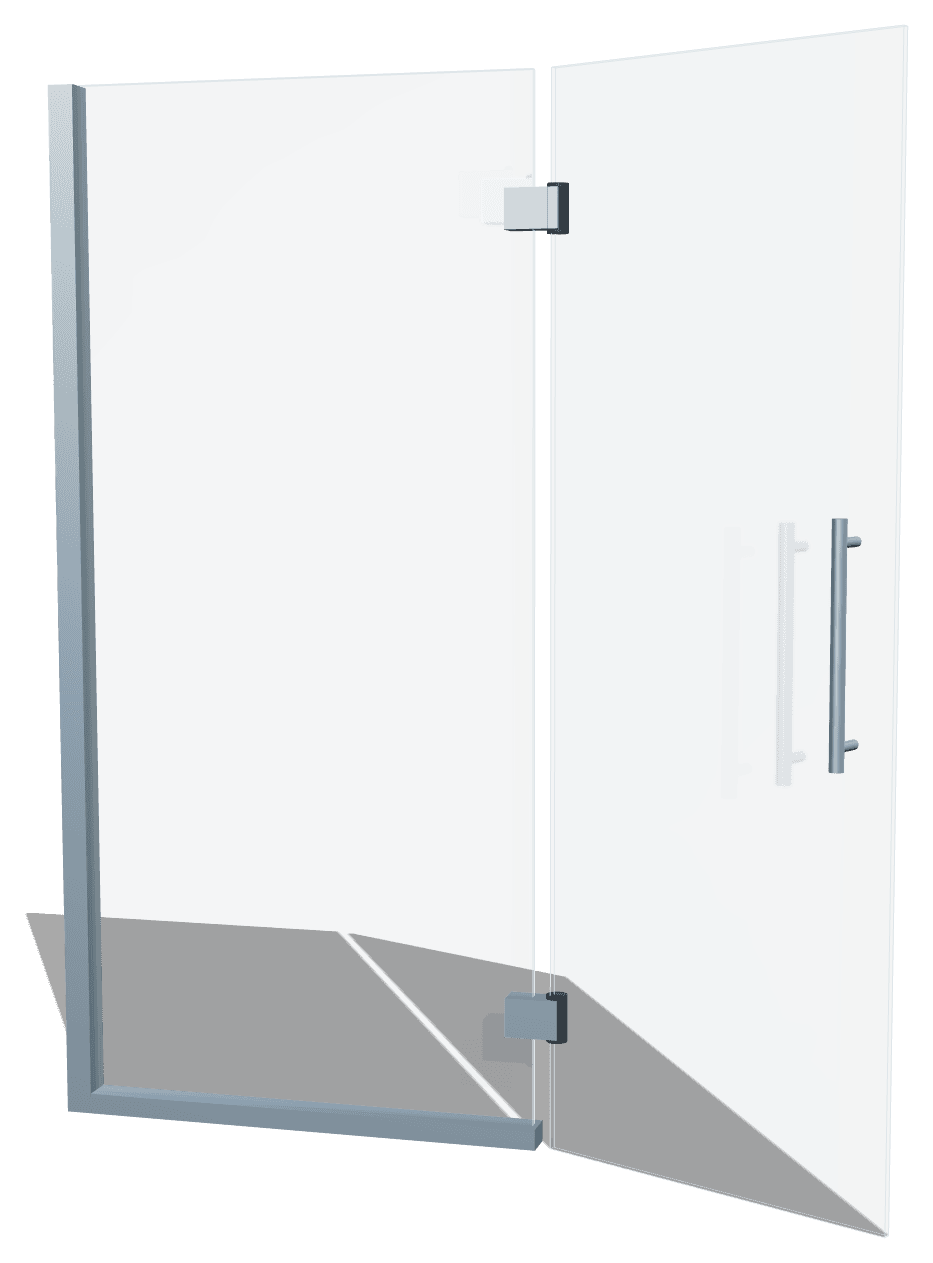
Toughened-glass pivot & swing doors
Stairs, landing, terrace & Juliet balcony
System walls with glass door
Tempered glass in RAL or print
Shop fronts, transoms & entrance doors
No separate software, no redrawing. Configure, send to your supplier and deliver the quote — all from one 3D design.
Draw your glass product in seconds — a complete 3D drawing in ~20 sec on average.
Send the design as a clear DXF drawing directly to production — no redrawing.
Automatic price as a polished PDF, with your design in 3D — a persuasive proposal that converts.
Cut size, notches, drilling and edge work, each on its own layer. Ready to temper, at any supplier.
A standard DXF that opens in your supplier's cutting and CNC software.
Every hole and notch is in the drawing before the glass goes into the furnace.
Hardware gaps and material deductions come from your library, not from a calculator.
Work with the hinges, clamps and handles you already buy, at your own prices. From any supplier, also international.
Add the parts you buy with supplier, article number and your purchase price. Every design calculates with them.
Drop in your own drawing. The cutout lands on the glass edge and goes into every DXF with that hinge.
Upload the manufacturer's PDF. AI reads the dimensions and draws the cutout, ready for you to check.
Draw a cutout once, link it to the hinge you buy. Every design after that is right.
Hinges, clamps, handles and locks — all in 3D, with the right specifications. Drag through the library or choose a part.
Your customer opens the quote online, turns the design in 3D and downloads the PDF. Behind it, every version is kept.
Run the Designer next to the software you already use, or connect it to the Baka Glass platform and let every job flow straight through.
The Designer works alongside your current ERP or order software. Start today with your own prices and your own hardware.
Works next to any ERP or order system
The quote, the supplier order and the DXFs go out with one click, straight into orders, planning and production.
No implementation project, no consultants. Sign up, set your prices once and send your first quote the same day.
Company, name and e-mail. You're in within a minute.
Your purchase prices, your selling rules and the hinges and handles you buy.
Measurements in, 3D out. Cost and selling price on screen as you go.
The priced quote for your customer, the DXFs for your supplier.
Short video lessons for every action, and a person who replies within one business day.
About designing, quoting and ordering with the Baka Designer.
Start quoting faster today — from a single 3D design straight to production.